

Choose what it can use.
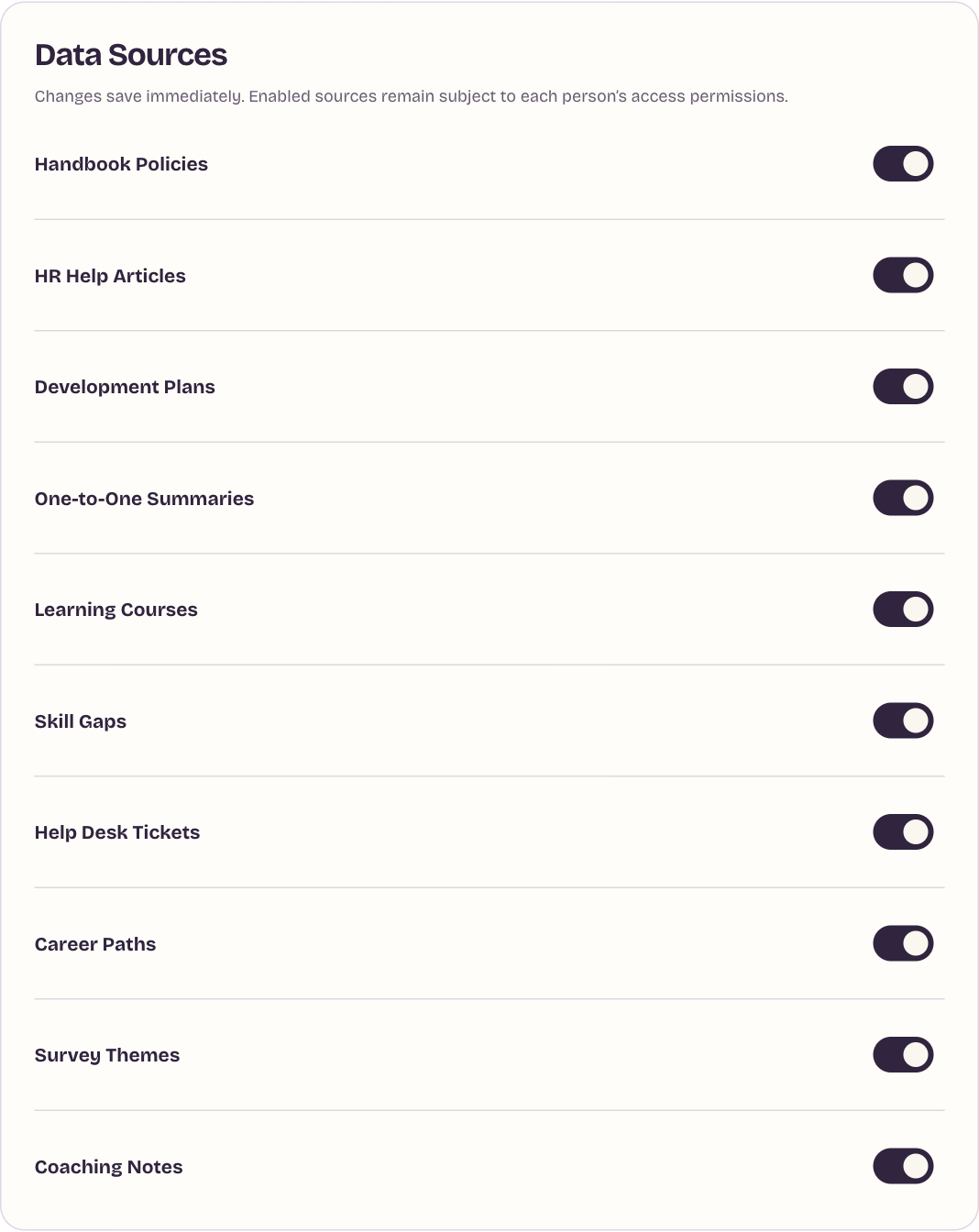
Decide which company guidance the assistant can draw on, from handbook policies to learning courses. Enabled sources stay subject to each person’s access.
Help people find supported company guidance, with source controls and access settings chosen by your company.

Decide which company guidance the assistant can draw on, from handbook policies to learning courses. Enabled sources stay subject to each person’s access.
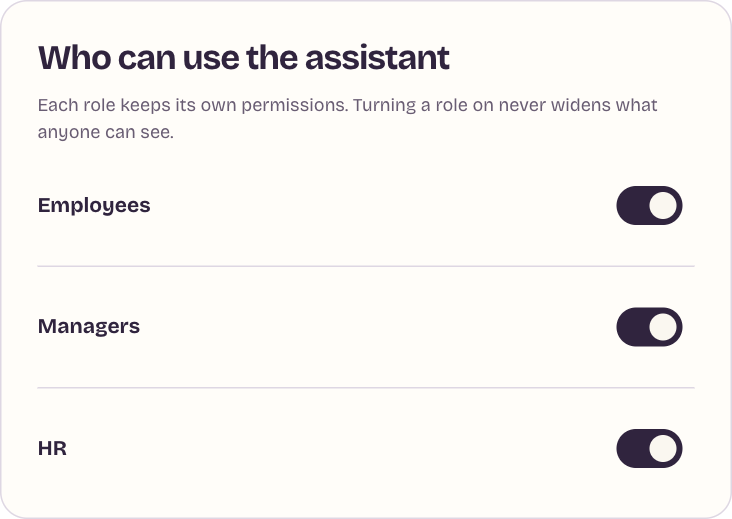
Turn the assistant on for employees, managers and HR separately. Each role keeps its own permissions.
Ask in plain language and check important answers.
Questions, refusals and rate limits for the last 30 days.
Choose who can use the assistant.
Search supported HR knowledge and follow the sources behind the response. Check the underlying guidance when deciding what to do next.
Manage which company guidance the assistant can draw on, including handbook policies, HR help articles, development plans, one-to-one summaries and learning courses.
Turn the assistant on for employees, managers and HR separately. Each role keeps its own permissions, so turning a role on never widens what anyone can see.
Review assistant questions, refusals and rate limits over the last 30 days, by role, and open the audit log.
Contact Looma to discuss your company, required workflows and onboarding.
Talk to LoomaThe assistant answers questions from company guidance. It is not an autonomous HR decision-maker and does not change employee records or make employment, pay or approval decisions.